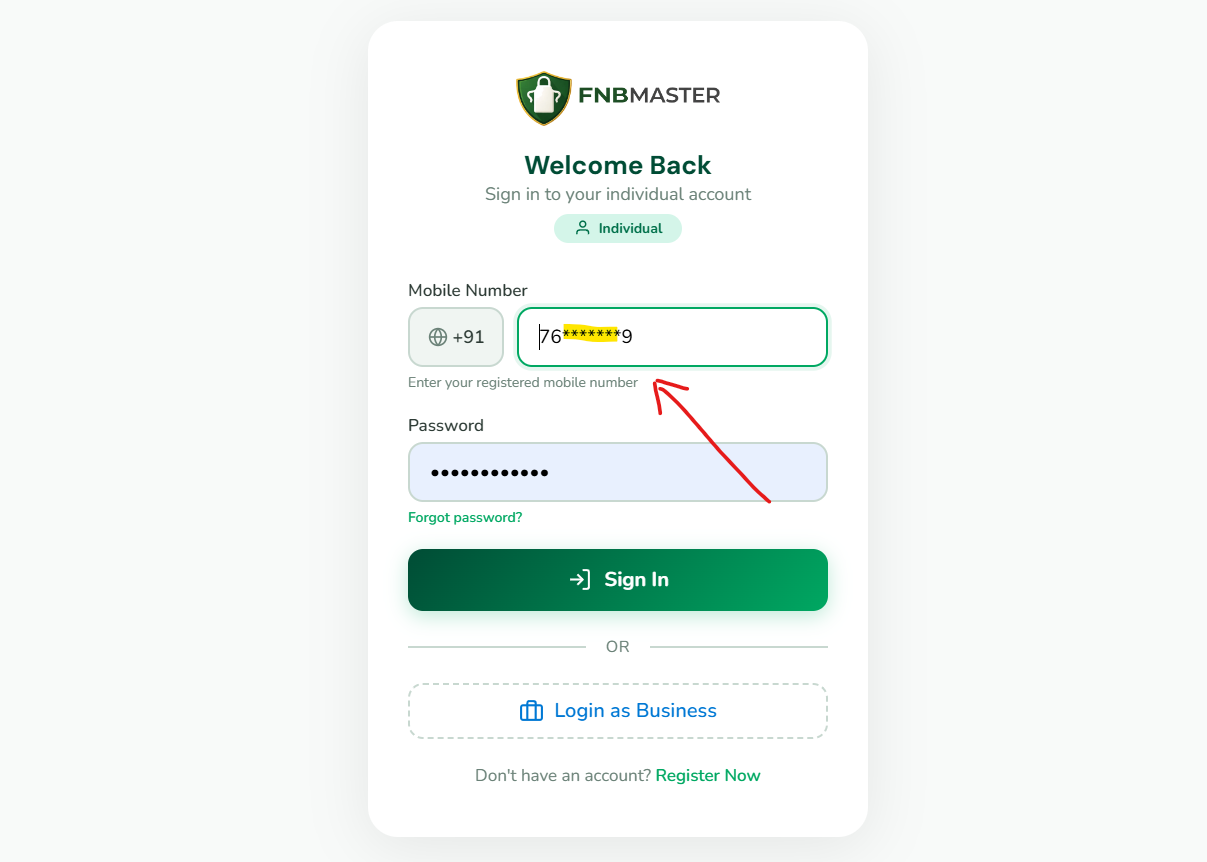
Finding and starting your hospitality training courses.
After logging in, click on "My Courses" in the sidebar or navigate to the Courses section from the bottom navigation on mobile. You will see all 9 available modules displayed in a grid layout. Each module card shows the module number, title, and metadata including video count, scenario count, and certificate availability. Click on any module to select your preferred learning language, then begin watching the video lessons. Modules can be taken in any order — there is no fixed sequence. You can start with Module 7, jump to Module 2, then Module 5 based on your learning needs.
Module structure explained
Understanding videos, scenarios, and assessments in each module.
Each of the 9 FNBMaster modules contains 16 professional HD video lessons organized into specific learning sections. The module structure includes 1 introduction video that provides an overview, 5 scenario-based learning sections each containing 10 key point videos (totaling 50 videos per section approach), and 1 conclusion video summarizing the learning. Each module also includes 5 scenario-based assessments to test your understanding. In total, the platform offers 549 HD video lessons across all modules. Videos are designed to be concise (3-7 minutes each) for easy consumption during breaks or on the go.
Learning in your preferred language
Switching between 7 Indian languages for course content.
FNBMaster supports 7 Indian languages: English, हिन्दी (Hindi), தமிழ் (Tamil), తెలుగు (Telugu), ಕನ್ನಡ (Kannada), മലയാളം (Malayalam), and বাংলা (Bengali). You can switch languages at any time — even between different sections within the same module. This flexibility allows learners to study complex topics in their most comfortable language. Language switching is available from the video player, the language pills on the landing page, and the language selector in the header. All 7 languages are included in every plan at no additional cost. New languages are being added regularly.
Tracking your learning progress
Using progress bars, completion percentages, and dashboards.
Your learning progress is tracked automatically across all modules. The dashboard displays overall statistics including courses started, videos watched, and certificates earned. Each module shows a progress bar indicating completion percentage. The "Continue Watching" card on your dashboard allows you to resume exactly where you left off. Progress is saved automatically after each video completion. You can see which modules are completed, in progress, or not started. For business accounts, team leaders can monitor individual staff progress through the team dashboard with detailed analytics and completion reports.
Continuing where you left off
Resume incomplete modules and pick up from your last session.
FNBMaster automatically saves your learning position. When you return to the platform, the "Continue Learning" card on your dashboard shows the last module and video you were watching along with your completion percentage. Simply click to resume from exactly where you stopped. This feature works across devices — start learning on your phone during a break and continue on your laptop later. Your progress syncs in real-time. The platform remembers your language preference for each module, so you do not need to reselect it when resuming.
Contact support@fnbmaster.com from your registered email address. Provide your full name, registered mobile number, and FNBM ID if available. Our team will verify your identity and assist with password recovery. For security reasons, password resets require identity verification.
Can I switch languages while learning?
Yes! FNBMaster supports 7 Indian languages: English, हिन्दी, தமிழ், తెలుగు, ಕನ್ನಡ, മലയാളം, and বাংলা. You can switch languages at any time — even between different sections within the same module. Language switching is available from the video player and the language selector.
How long do I have access to courses?
All FNBMaster plans include lifetime access. Pay once, learn forever with no subscriptions, no renewals, and no expiry dates. This includes all future content updates and new language additions at no extra cost.
How do I verify a certificate?
Visit fnbmaster.com/verify and enter either the Certificate ID or the learner's FNBM ID. The verification page displays certificate details including the learner's name, module completed, completion date, and validity status. You can also scan the QR code on any certificate for instant verification.
What payment methods are accepted?
We accept UPI (Google Pay, PhonePe, Paytm), credit/debit cards (Visa, Mastercard, RuPay), net banking from all major Indian banks, and popular digital wallets. All payments are processed securely through our payment gateway.
Is there a free trial available?
Yes! The Starter plan is completely free forever with no credit card required. It includes 9 introductory videos and access in 1 language. This allows you to explore the platform and experience the training quality before upgrading to a paid plan.
How do I contact customer support?
You can reach our support team by email at support@fnbmaster.com or by phone at +91 6385 861144. Support is available during business hours (Monday-Saturday, 9 AM to 7 PM IST). Enterprise customers have access to priority support and dedicated account managers.
Can I access FNBMaster on multiple devices?
Yes! FNBMaster works on all devices — smartphones, tablets, laptops, and desktops. Your progress syncs across devices, so you can start learning on one device and continue on another. There is no limit to the number of devices you can use.