Help & Support Center

Find answers, troubleshoot issues, and get the most out of your hospitality training

Getting Started

How to create your FNBMaster account

Step-by-step guide to register and set up your learner profile.

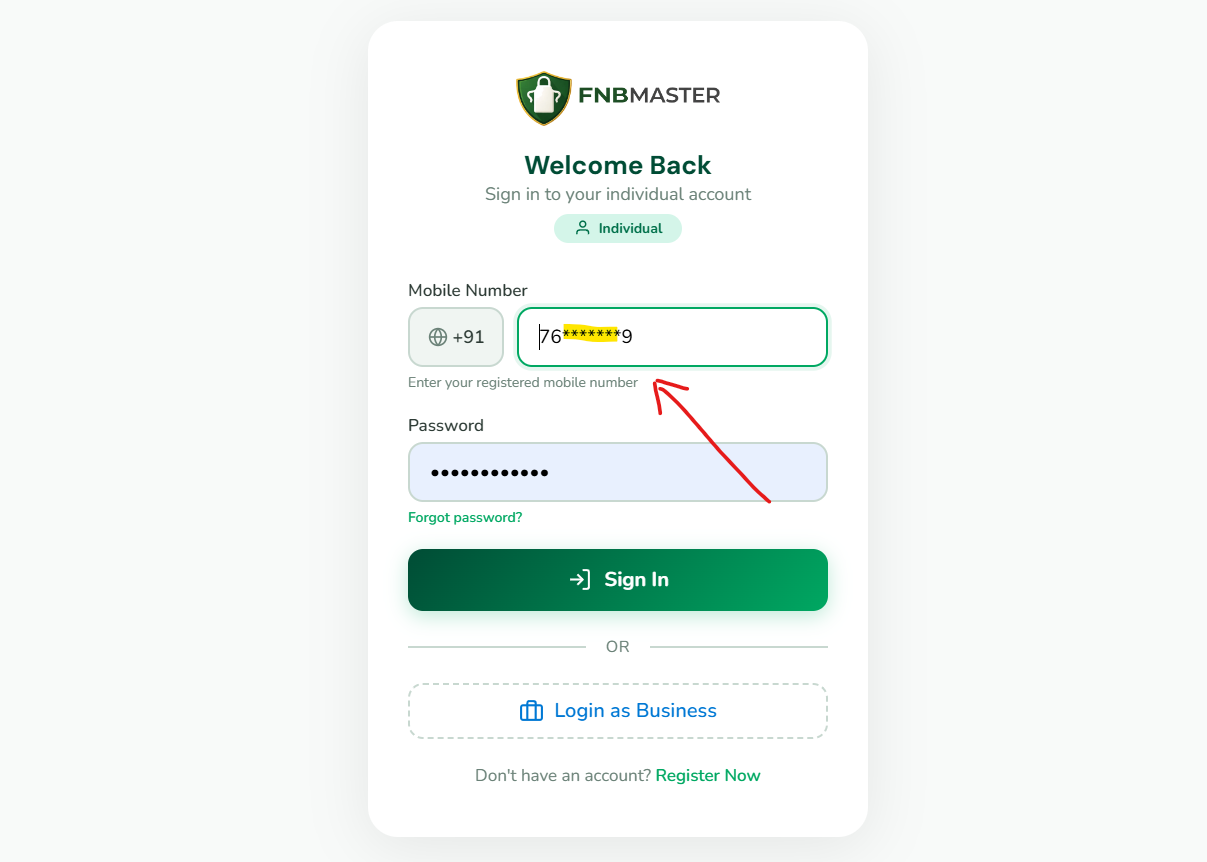
Creating your FNBMaster account is simple and takes less than 2 minutes. Visit the registration page at fnbmaster.com/register. Enter your full name, select your country code, provide your mobile number, and create a strong password with at least 8 characters including uppercase letters, numbers, and special characters. Choose your preferred learning language from 7 Indian languages. Once registered, you will receive a unique FNBM ID that serves as your permanent learner identifier. Your account is approved instantly, and you can begin learning immediately.

Navigating the dashboard

Understanding your learning dashboard, progress tracking, and key features.

The FNBMaster dashboard is your central learning hub. Upon login, you will see your greeting with your FNBM ID, an AI Coach section with daily learning goals and streak tracking, and quick access to continue watching where you left off. The dashboard displays your XP points earned through gamification, badges collected, and key performance indicators including courses started, videos watched, and certificates earned. Action cards provide quick access to continue learning, take quizzes, browse modules, and view certificates. The bottom navigation bar on mobile provides easy access to Home, Courses, Games, Certificates, and Profile sections.

Choosing the right plan

Compare Individual, 3-Bundle, 5-Bundle, and Enterprise plans.

FNBMaster offers flexible pricing plans designed for different needs. The Individual plan at ₹499 provides access for 1 staff member with all 9 modules, digital certificate, and basic dashboard — perfect for individual learners. The 3-Bundle plan at ₹1,399 covers up to 3 staff members with team dashboard, digital certificates, and email support at just ₹466 per staff. The 5-Bundle plan at ₹2,299 is our most popular option covering up to 5 staff with advanced analytics, role assignments, and priority support at only ₹460 per staff. For larger organizations, the Enterprise plan offers unlimited staff, custom modules, API access, dedicated manager, and white-label options with custom pricing. All plans are one-time payments with lifetime access — no subscriptions, no renewals.

Setting up your business account

Guide for business owners to register and manage team training.

Business owners can register at business.fnbmaster.com/register. After creating your business account, you can add staff members individually or use the bulk import feature for larger teams. Each staff member receives their own FNBM ID and personalized dashboard. The business dashboard provides team progress tracking, completion analytics, certificate management, and gamification leaderboards. You can assign specific modules to team members based on their roles, monitor completion rates, and download certificates for compliance documentation. FSSAI audit preparation tools are also available for food safety compliance tracking.

← View All Categories

Frequently Asked Questions

How do I reset my password?
Contact support@fnbmaster.com from your registered email address. Provide your full name, registered mobile number, and FNBM ID if available. Our team will verify your identity and assist with password recovery. For security reasons, password resets require identity verification.
Can I switch languages while learning?
Yes! FNBMaster supports 7 Indian languages: English, हिन्दी, தமிழ், తెలుగు, ಕನ್ನಡ, മലയാളം, and বাংলা. You can switch languages at any time — even between different sections within the same module. Language switching is available from the video player and the language selector.
How long do I have access to courses?
All FNBMaster plans include lifetime access. Pay once, learn forever with no subscriptions, no renewals, and no expiry dates. This includes all future content updates and new language additions at no extra cost.
How do I verify a certificate?
Visit fnbmaster.com/verify and enter either the Certificate ID or the learner's FNBM ID. The verification page displays certificate details including the learner's name, module completed, completion date, and validity status. You can also scan the QR code on any certificate for instant verification.
What payment methods are accepted?
We accept UPI (Google Pay, PhonePe, Paytm), credit/debit cards (Visa, Mastercard, RuPay), net banking from all major Indian banks, and popular digital wallets. All payments are processed securely through our payment gateway.
Is there a free trial available?
Yes! The Starter plan is completely free forever with no credit card required. It includes 9 introductory videos and access in 1 language. This allows you to explore the platform and experience the training quality before upgrading to a paid plan.
How do I contact customer support?
You can reach our support team by email at support@fnbmaster.com or by phone at +91 6385 861144. Support is available during business hours (Monday-Saturday, 9 AM to 7 PM IST). Enterprise customers have access to priority support and dedicated account managers.
Can I access FNBMaster on multiple devices?
Yes! FNBMaster works on all devices — smartphones, tablets, laptops, and desktops. Your progress syncs across devices, so you can start learning on one device and continue on another. There is no limit to the number of devices you can use.

Still Need Help?

+91 6385 861144

Our support team is available Monday-Saturday, 9 AM to 7 PM IST